> ## Documentation Index
> Fetch the complete documentation index at: https://www.ghostwriter.wiki/llms.txt
> Use this file to discover all available pages before exploring further.
# Domain Checkout
> Checking-out a domain for a project
## Checking-out a Domain
Any **Available** domain in the library can be checked out for a project. Click the calendar icon in the **Checkout** column to bring up the check-out form.
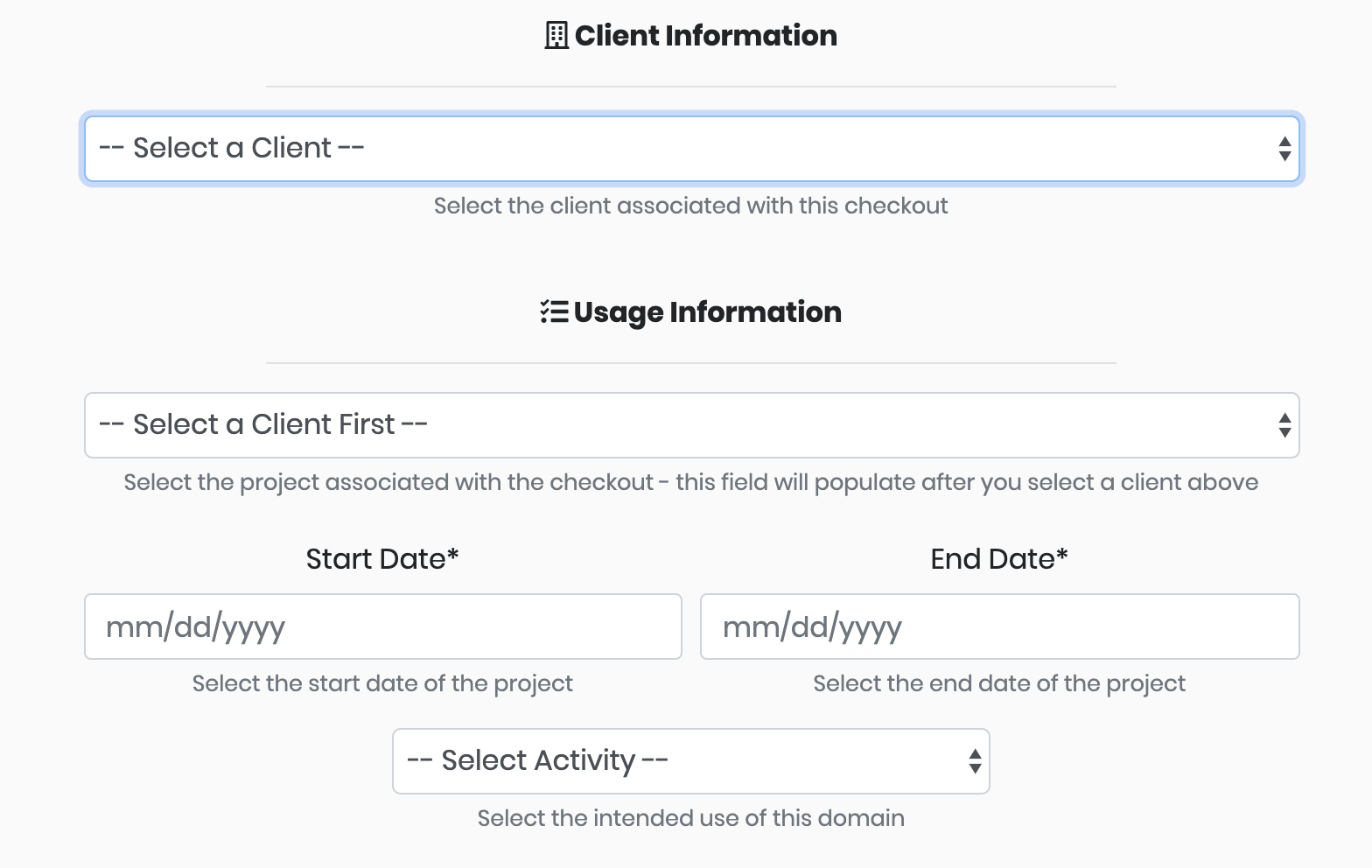 Each checkout requires selecting a client and a project. Select the client first to load the list of projects for that client.
Then click the **Start Date** and **End Date** fields to open the datepicker and select your checkout window.
The final step is filling in your usage information. Domains can be checked out for activities such as *Phishing* and *Command and Control*.
Ghostwriter performs several operational security checks during the check-out process. The page will display a warning if:
* someone previously used the domain name with the selected client
* the domain name expires in less than 30 days and is not configured to auto-renew
* the domain name is marked as burned / has an undesirable category
Each checkout requires selecting a client and a project. Select the client first to load the list of projects for that client.
Then click the **Start Date** and **End Date** fields to open the datepicker and select your checkout window.
The final step is filling in your usage information. Domains can be checked out for activities such as *Phishing* and *Command and Control*.
Ghostwriter performs several operational security checks during the check-out process. The page will display a warning if:
* someone previously used the domain name with the selected client
* the domain name expires in less than 30 days and is not configured to auto-renew
* the domain name is marked as burned / has an undesirable category