> ## Documentation Index
> Fetch the complete documentation index at: https://www.ghostwriter.wiki/llms.txt
> Use this file to discover all available pages before exploring further.
# Scope Tracking
> Tracking hostnames and IP addresses in-scope for the project
Offensive assessments need scope lists, which should be easy to reference. The *Scope* tab helps you track as many lists as you like and assign them different properties. Each scope list is a newline-separated list of strings (IP addresses or hostnames).
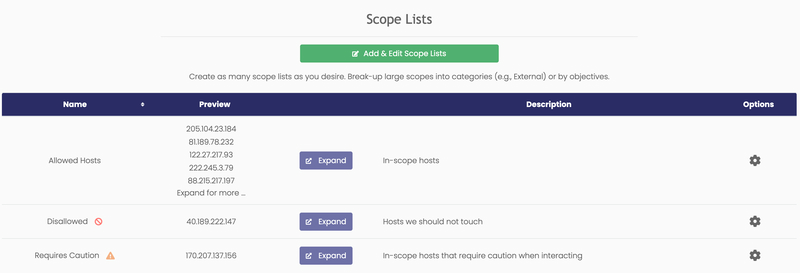 Each list has a name, a preview of the first five lines, a button to expand it into a modal, a note field, and some properties displayed as icons next to the name. You can assign these properties:
* Disallowed – The list includes hosts that should *not be* touched.
* Requires Caution – The list contains hosts that require a "white glove" approach during testing.
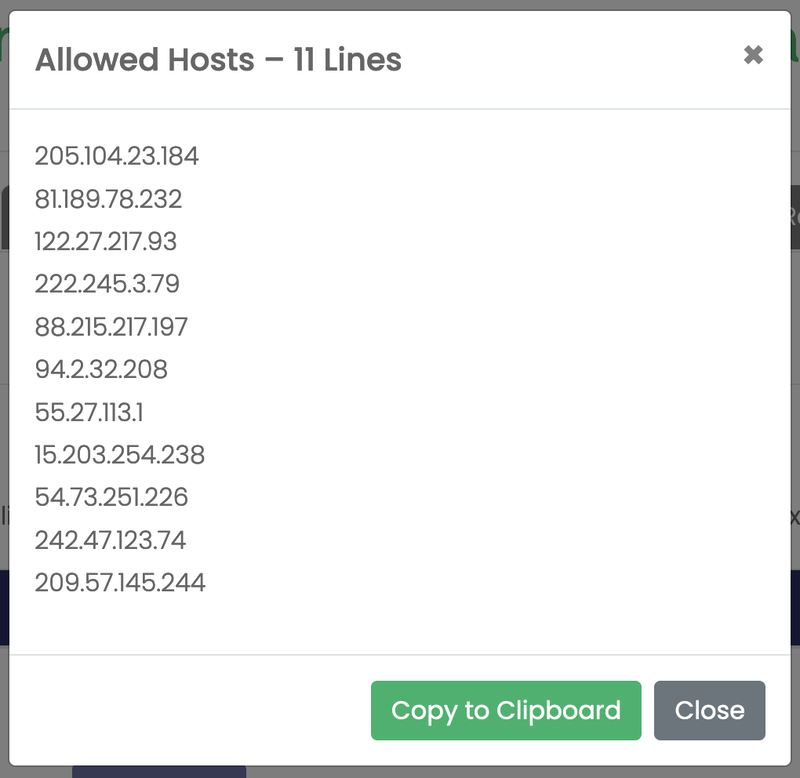
Clicking the *Expand* button opens a modal that displays the complete list. The *Copy to Clipboard* button copies the full list to your clipboard in a format suitable for standard tools (e.g., *Nmap*).
Each list has a name, a preview of the first five lines, a button to expand it into a modal, a note field, and some properties displayed as icons next to the name. You can assign these properties:
* Disallowed – The list includes hosts that should *not be* touched.
* Requires Caution – The list contains hosts that require a "white glove" approach during testing.
Clicking the *Expand* button opens a modal that displays the complete list. The *Copy to Clipboard* button copies the full list to your clipboard in a format suitable for standard tools (e.g., *Nmap*).
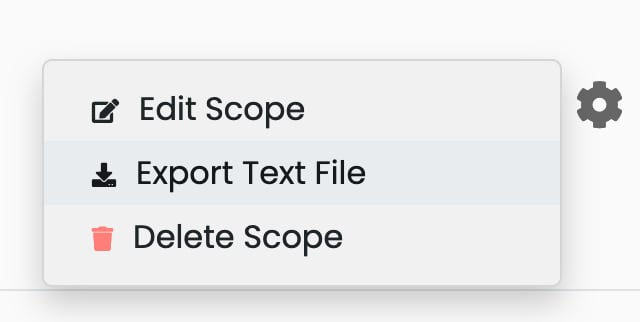
 Additionally, you can click the settings gear to access an *Export Text File* option. This option downloads a text file with the scope contents. The file can be imported using standard tools like *Nmap* or Burp Suite.