> ## Documentation Index
> Fetch the complete documentation index at: https://www.ghostwriter.wiki/llms.txt
> Use this file to discover all available pages before exploring further.
# Overview
Walk through of the project dashboard
The project dashboard is your go-to place for viewing everything about a specific project. It tracks all the essential information the assessment team needs to be effective.
The *Planning* tab displays the basic information, like the assessment's duration, the teams' working hours (with time zone), and the project description.
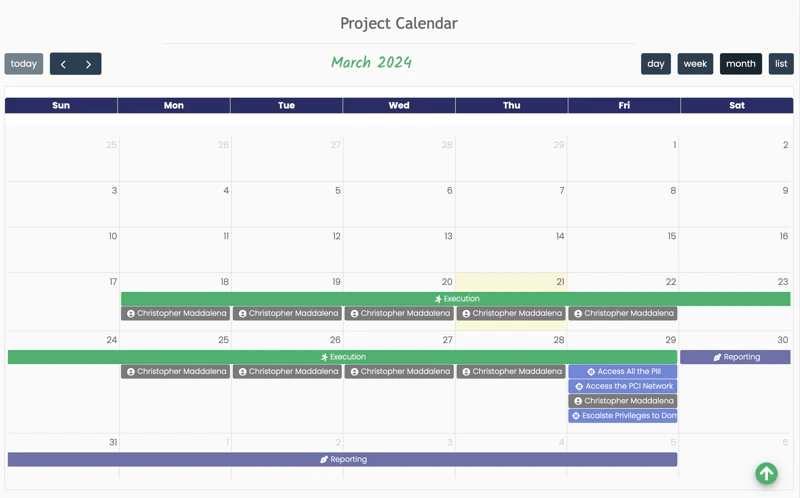
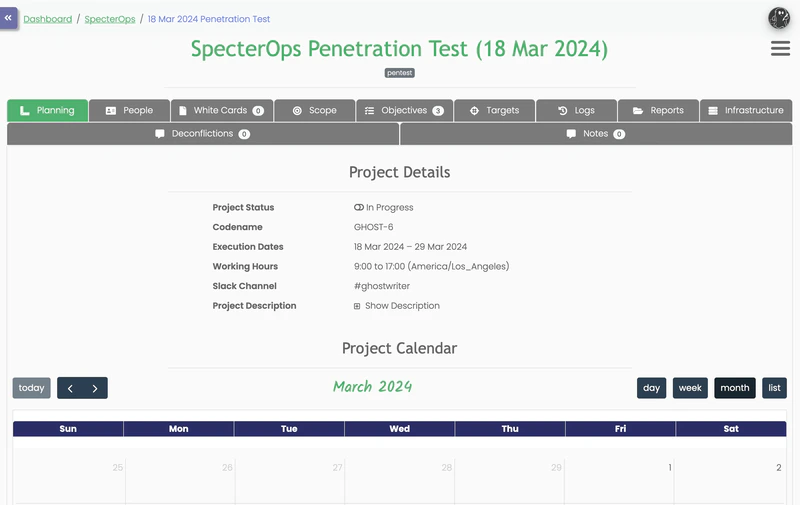 This tab also has the project calendar. The calendar automatically tracks team assignments, the assessment's duration, objective due dates, and the reporting period:
 The following few sections cover some of the specific tabs on the dashboard. For more information, see these sections as well: